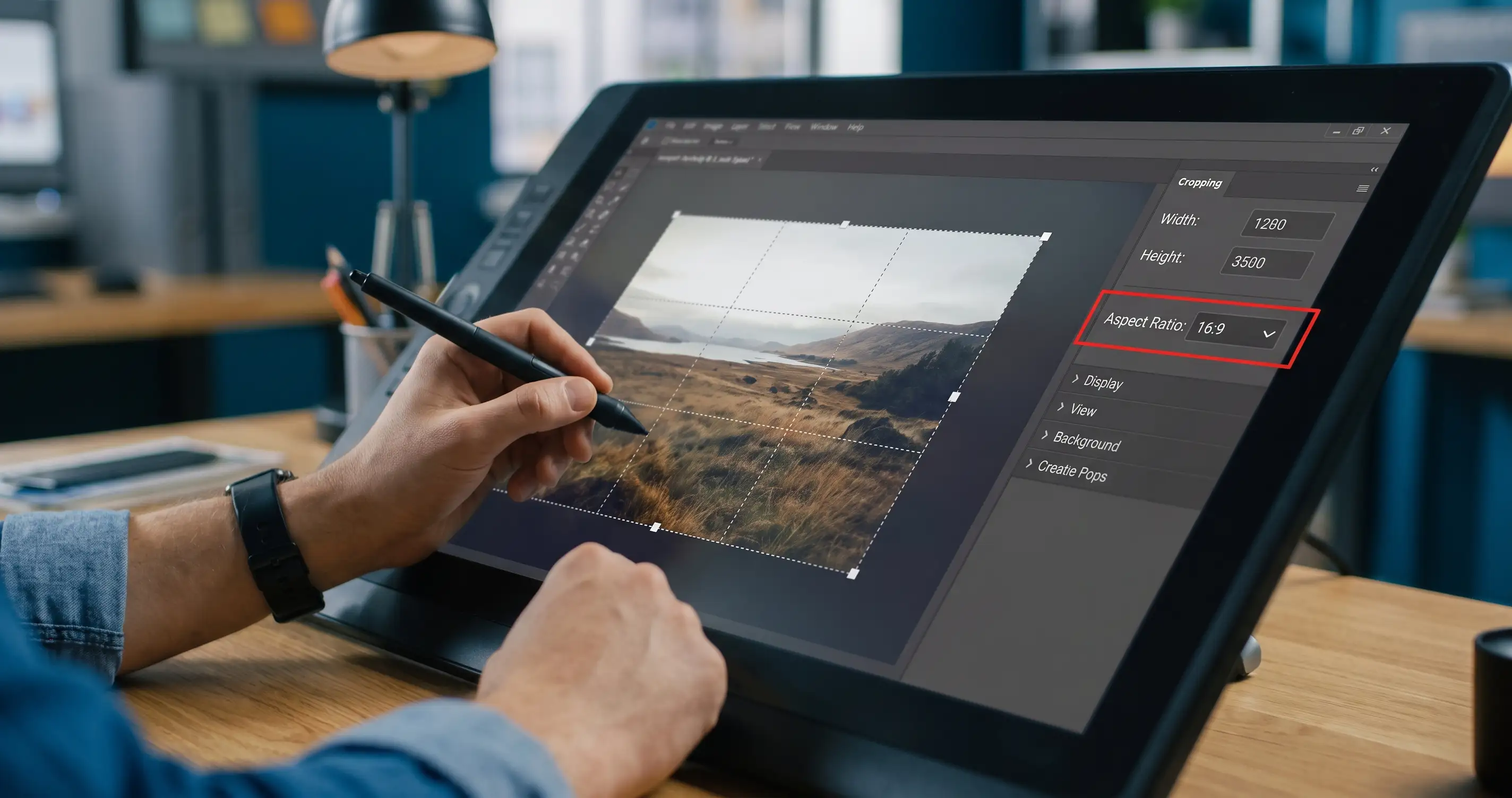
We’ve all seen it: a beautifully designed website ruined by a blurry, stretched-out image of a team member whose face looks twice as wide as it should be. Cropping an image to fit a specific container (like an Instagram post or a website hero banner) without altering its aspect ratio is a math problem that drives designers crazy.
Keep Your Visuals Pixel-Perfect
Whether you need a classic 16:9 widescreen shot, a perfectly square 1:1 profile picture, or a cinematic custom ratio, guessing dimensions will always result in a distorted mess. Calculate the exact pixel height and width before you touch the crop tool in Photoshop.
How to Use This Tool:
- Step 1: Enter the original width and height of your image.
- Step 2: Select your target aspect ratio (like 16:9) or lock the ratio to scale it down.
- Step 3: Get the exact pixel dimensions to crop or resize without distorting the image!
👉 Save your images from distortion! Try the free Image Crop Ratio Calculator for perfect designs.


Comments & Feature Requests
0 Found a bug, or want a new tool? Let us know below.
comments_no_comments