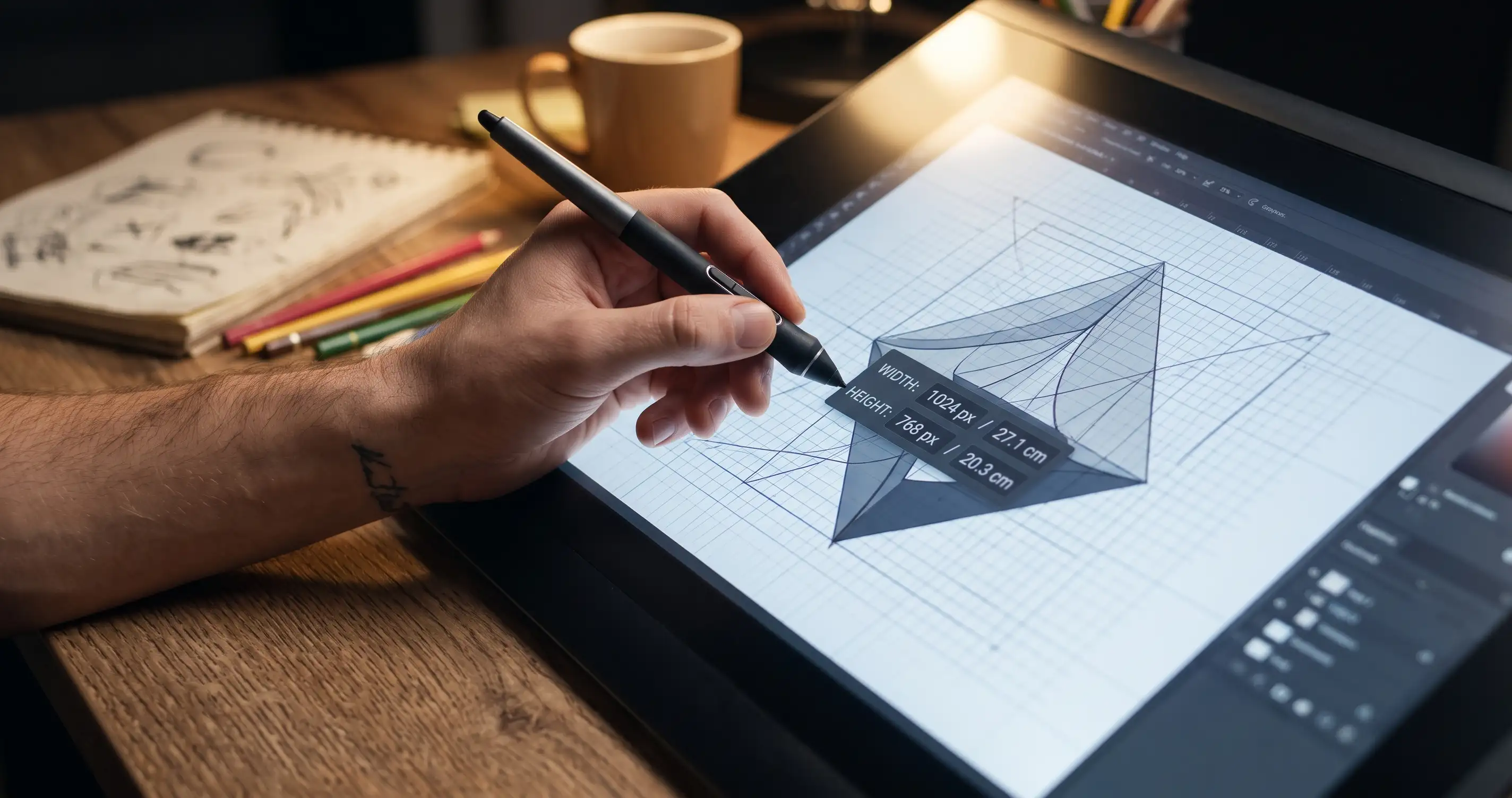
Picture this: You spend hours designing the most epic poster, send it to the print shop, and—bam! It gets printed looking like a pixelated potato. Why? Because pixels and physical inches speak completely different languages. Trying to manually calculate DPI, PPI, and print sizes in your head is a fast track to a migraine.
Save Your Designs from Digital Disasters
Whether you're prepping a web banner for print, sizing graphics for merch, or just trying to figure out why your digital art looks tiny on paper, guessing is a rookie mistake. You need exact conversions, and you need them right now.
Why You'll Thank Us Later
- Instant Pixel Magic: Convert pixels (px) to inches (in), centimeters (cm), or millimeters (mm) with zero lag.
- DPI/PPI Friendly: Match your resolution requirements seamlessly so your prints come out crisp and professional.
- Zero Stress: No complex formulas to memorize—just plug in the numbers and get back to creating.
👉 Stop ruining your artwork! Head over to our free Pixel-Inch-CM Converter and make your prints look as good in real life as they do on your screen.
💡 Pro Tip: Got a massive graphic file that's taking forever to upload or email? Check out our Image Compression Guide to shrink file sizes without losing a single pixel of quality!
Comments & Feature Requests
0 Found a bug, or want a new tool? Let us know below.
comments_no_comments