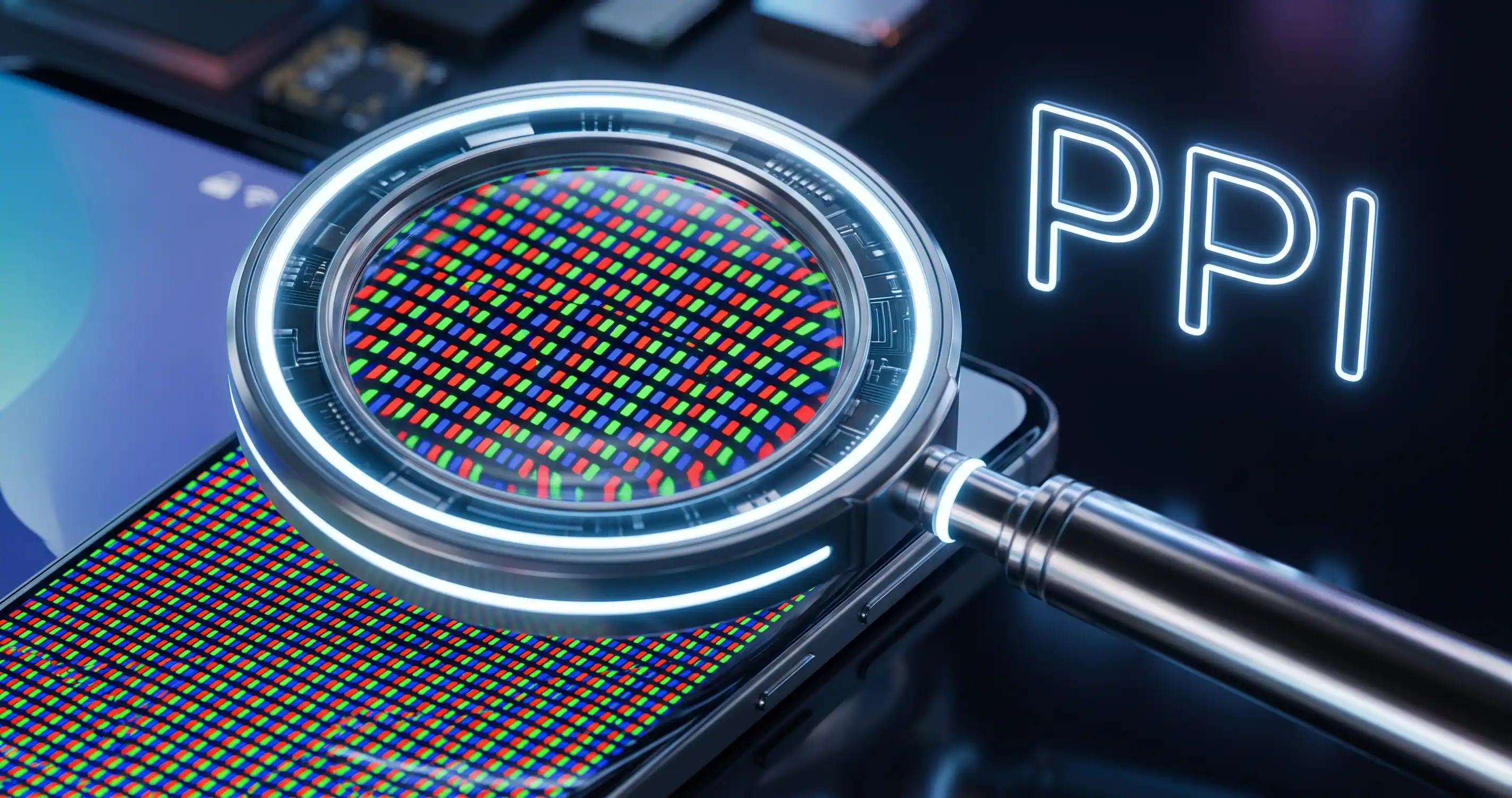
You are looking at two different TVs online. Both are advertised as "Stunning 4K Resolution". However, one is a 27-inch monitor, and the other is a massive 65-inch living room TV. Will they look equally sharp? Absolutely not! Spreading the same number of pixels over a huge surface area makes the image look blurry up close.
The Secret to a Sharp Display
The true measure of a display's crispness isn't just resolution; it's Pixels Per Inch (PPI). The higher the PPI, the sharper the text and images will appear. Whether you are a graphic designer ensuring your UI elements are pixel-perfect, or a gamer deciding on a new monitor, knowing the PPI is crucial.
Why You Need to Calculate PPI
- Smart Buying Decisions: Don't get fooled by marketing jargon. Enter the screen size and resolution to find out how sharp the display actually is before spending your money.
- UI/UX Design: Ensure your app designs look perfectly scaled and readable across different devices, from small smartphones to ultrawide monitors.
- Optimize Your Workspace: Find the perfect balance between screen size and resolution so you don't strain your eyes reading tiny text on a dense display.
👉 Stop staring at blurry pixels! Measure your screen's true crispness instantly with our Screen Resolution / PPI Calculator.
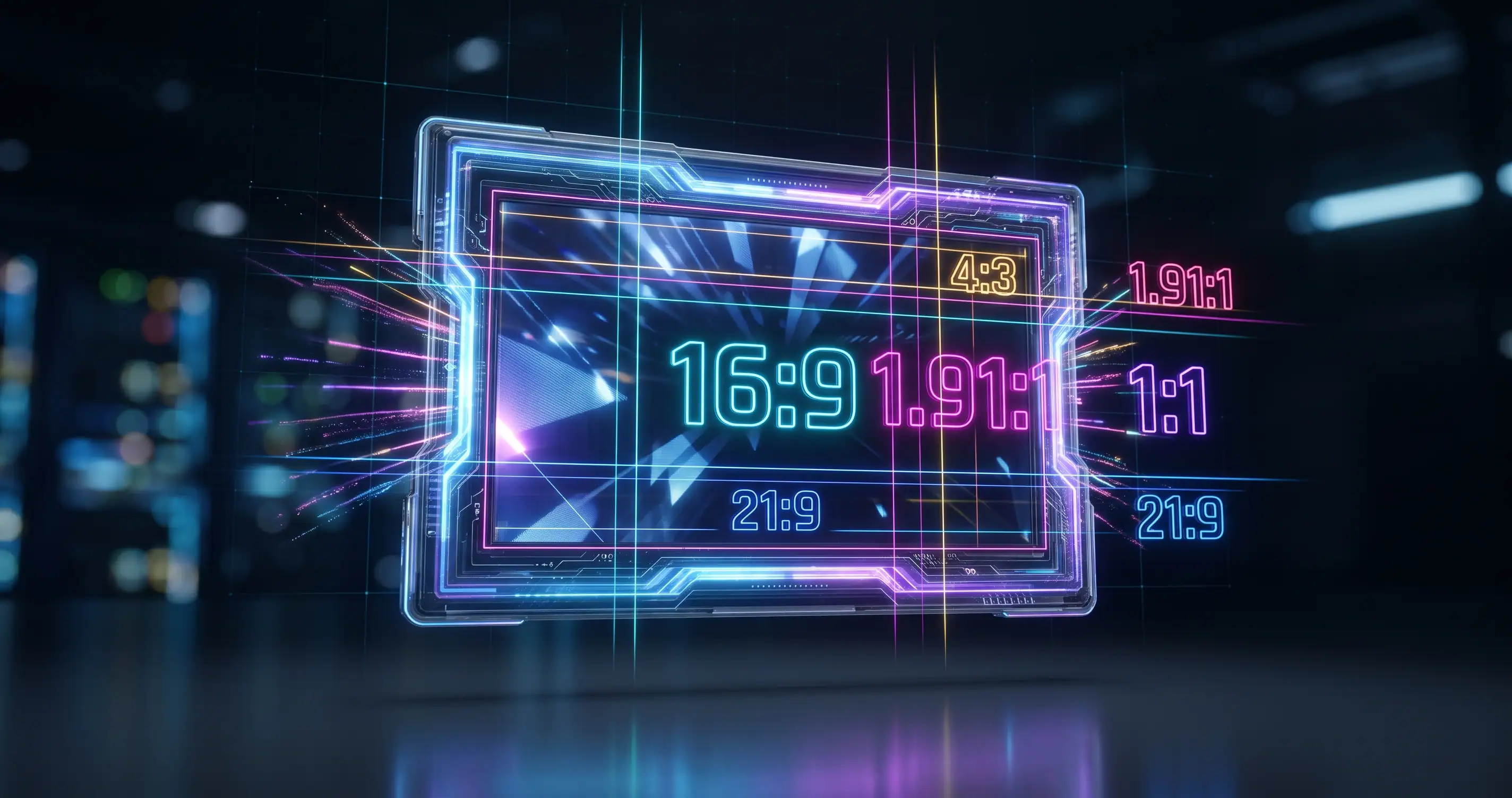
💡 Pro Tip: Figuring out display sharpness is great, but what about the actual size of your images? Never stretch a photo again by calculating its perfect dimensions with our Image Aspect Ratio Calculator.
Comments & Feature Requests
0 Found a bug, or want a new tool? Let us know below.
comments_no_comments