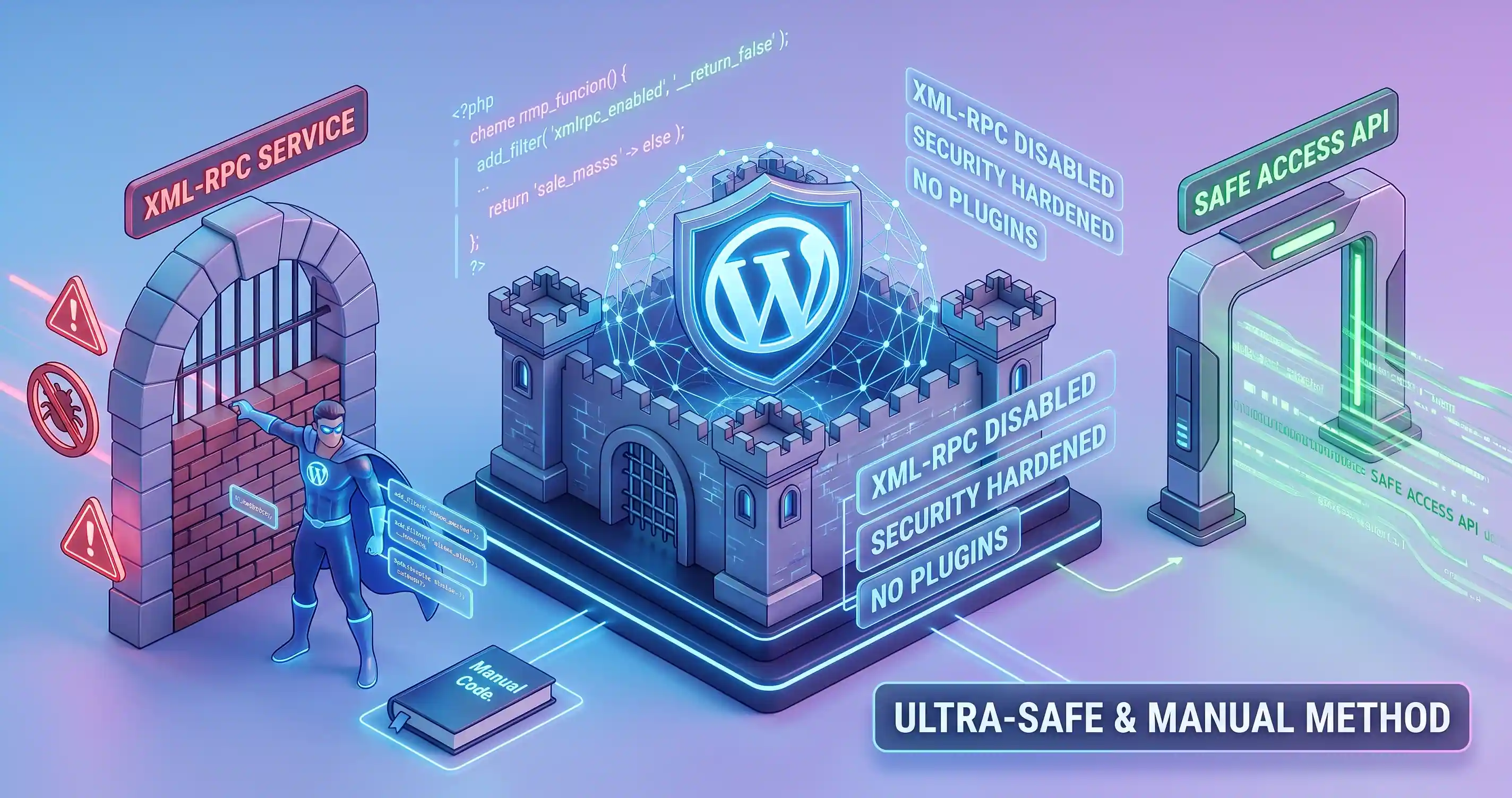
Why XML-RPC Is a Security Liability
xmlrpc.php was built to let external applications talk to WordPress remotely — publishing posts from a desktop client, or the old official WordPress mobile app syncing content. The technology behind it is over two decades old, and it comes with two specific problems that modern REST-API-based tools don't have.
- Brute-force amplification: XML-RPC's
system.multicallmethod lets an attacker bundle hundreds of username/password guesses into a single HTTP request instead of one guess per request. This slips past login-attempt-limiting plugins that only watch wp-login.php, since none of the individual guesses look unusual on their own. - Pingback-based DDoS: the
pingback.pingmethod lets any site announce "I linked to you" — and WordPress will obligingly send a verification request back to that link. Attackers exploit this by asking thousands of WordPress sites to simultaneously "pingback" a single target URL, turning your server into an unwitting participant in a distributed denial-of-service attack against someone else's site.
Neither of these requires any misconfiguration on your part — they're just what XML-RPC does by design, which is why blocking it outright is the standard recommendation unless you have a specific, active reason to keep it on.
When You Can Safely Disable It
You can disable XML-RPC completely if:
- You don't use the Jetpack plugin (Jetpack's core connection to WordPress.com depends on XML-RPC).
- You don't publish content through a legacy desktop blogging client (like the old MarsEdit or Windows Live Writer) or the discontinued WordPress mobile apps that relied on it.
- You're not running any custom integration that explicitly calls xmlrpc.php — check with your developer if you're unsure on an agency-managed site.
If Jetpack is active but you still want to stop the pingback abuse specifically, skip to Method 3 below rather than disabling XML-RPC entirely.
Method 1: Disable via PHP (functions.php)
This approach turns off XML-RPC at the WordPress application level using a core filter, and cleans up the related discovery links WordPress normally advertises in your page's <head> and HTTP headers.
Where to insert: functions.php, or better, a site-specific plugin file so it survives a theme change.
- Paste the snippet below.
- Save and reload your homepage.
- View page source and confirm the
<link rel="pingback">tag is gone from the<head>.
// Disable XML-RPC entirely
add_filter('xmlrpc_enabled', '__return_false');

// Remove the pingback URL from the page <head>
remove_action('wp_head', 'rsd_link');

// Remove the X-Pingback header from HTTP responses
function remove_xmlrpc_pingback_header($headers) {
    unset($headers['X-Pingback']);
    return $headers;
}
add_filter('wp_headers', 'remove_xmlrpc_pingback_header');
This method stops WordPress from processing XML-RPC requests, but the request still reaches PHP and WordPress's bootstrap before being rejected — meaning it uses a small amount of server resources on every attempt. For a site under active attack, pair this with Method 2 below.
Method 2: Block at the Server Level (.htaccess)
This approach is more efficient than the PHP method: Apache rejects the request before WordPress loads at all, so repeated attack attempts never touch PHP or your database. This is the recommended approach if your site is on Apache/LiteSpeed hosting with .htaccess support.
Where to insert: your site's root .htaccess file.
- Open .htaccess via FTP or your hosting file manager.
- Add the snippet below anywhere outside the
# BEGIN WordPress/# END WordPressblock, so a core update doesn't overwrite it. - Save the file.
<Files xmlrpc.php>
Order Allow,Deny
Deny from all
</Files>
If your server runs Nginx instead of Apache, .htaccess rules have no effect — you'll need to add an equivalent location block denying xmlrpc.php in your Nginx server configuration and ask your host or system administrator to apply it, since Nginx configs typically aren't user-editable on shared hosting.
Method 3: Selectively Block Only Pingback (Keep Jetpack Working)
If Jetpack or another integration genuinely needs XML-RPC active, you don't have to accept the pingback DDoS risk as the cost of keeping it. This filter leaves XML-RPC fully functional but strips out only the two pingback-related methods responsible for the abuse.
Where to insert: functions.php, or your site-specific plugin file.
- Paste the snippet below.
- Confirm Jetpack (or whatever integration you're preserving XML-RPC for) still connects and functions normally.
- Use the verification steps below to confirm pingback methods specifically are no longer available.
function disable_xmlrpc_pingback_only($methods) {
    unset($methods['pingback.ping']);
    unset($methods['pingback.extensions.getPingbacks']);
    return $methods;
}
add_filter('xmlrpc_methods', 'disable_xmlrpc_pingback_only');
How to Verify XML-RPC Is Actually Blocked
Don't assume a snippet worked — confirm it with an actual request against the live endpoint.
Using a terminal (curl):
- Open Terminal (Mac/Linux) or PowerShell (Windows).
- Run the command below, replacing the domain with your own site.
- If you used Method 2 (.htaccess), you should see
HTTP/1.1 403 Forbiddenin the response. - If you used Method 1 only (PHP), you'll get a
200 OKresponse, but the body will contain an XML fault message saying"XML-RPC services are disabled on this site."— a 200 status here is expected and still confirms it's working, since WordPress is deliberately returning a polite rejection rather than a server-level block.
curl -I -X POST https://yoursite.com/xmlrpc.phpUsing browser DevTools:
- Visit yoursite.com/xmlrpc.php directly in your browser.
- Open DevTools (F12 or Ctrl+Shift+I) and check the Network tab for the request's status code.
- A 403 status confirms the .htaccess block; a 200 status showing "XML-RPC server accepts POST requests only" in the response body (visible on the page itself) confirms the endpoint is still reachable but not necessarily still functional — recheck that you applied Method 1 if you expected it fully disabled.
Final Checklist
- Confirmed whether Jetpack or any legacy client actually needs XML-RPC before disabling it completely.
- Applied Method 1 (PHP filter) for application-level disabling, and confirmed the pingback link is gone from page source.
- Applied Method 2 (.htaccess) for server-level blocking, if on Apache/LiteSpeed hosting.
- Applied Method 3 instead of full disabling, if an active integration like Jetpack requires XML-RPC to stay on.
- Verified the result with curl or DevTools rather than assuming the snippet worked.
Between the two main methods, .htaccess blocking is the stronger defense since it rejects malicious traffic before it ever reaches WordPress — but combining both isn't redundant, since the PHP method also cleans up the pingback discovery link and header that Method 2 alone leaves in place.


Comments & Feature Requests
0 Found a bug, or want a new tool? Let us know below.
comments_no_comments