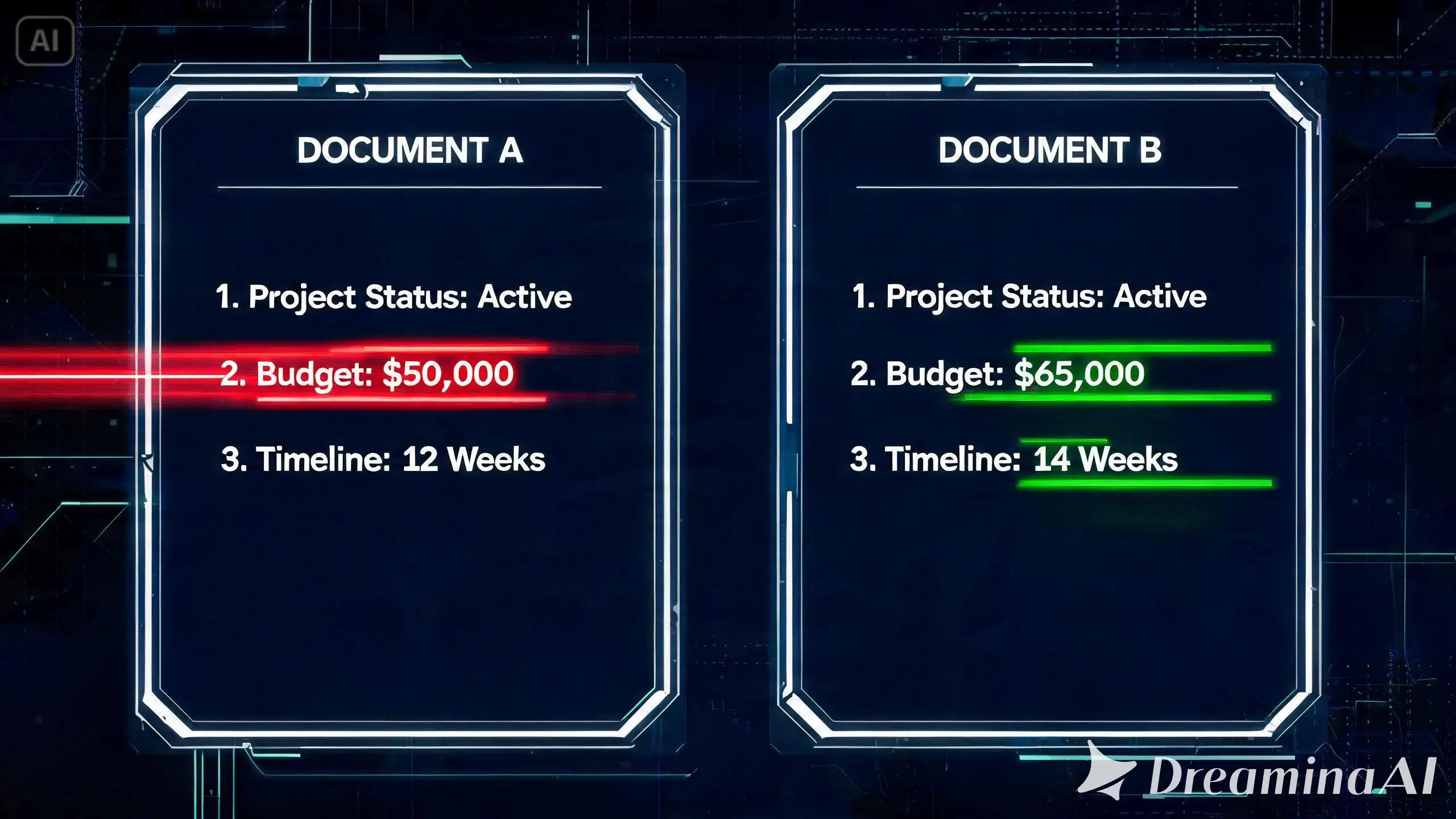
We've all dealt with files named "Final_Report.docx", "Final_Report_v2.docx", and "Final_Report_ACTUAL_FINAL.docx". When a colleague sends back a document or a piece of code and says, "I just made a few minor tweaks," trying to figure out exactly what they changed by reading both versions side-by-side will make your eyes hurt.
Let the Machine Find the Changes
Instead of manually scanning hundreds of lines, a Text Diff (Difference) Checker highlights every single modification automatically. It’s an absolute lifesaver for developers checking code commits, writers reviewing edits, or anyone comparing legal documents.
Why You'll Love This Tool
- Visual Highlights: It clearly color-codes exactly what text was deleted (usually red) and what was added (usually green).
- Works for Code & Text: Whether it's a CSS file, a JSON string, or a university essay, it handles everything perfectly.
- Catch Sneaky Typos: Find that one missing comma or extra space that is breaking your code or formatting.
👉 Save your eyes and your sanity! Paste your original and updated text into our Text Diff Checker to spot the changes instantly.
💡 Pro Tip: Staring at the screen too long trying to review documents? Give your eyes a rest and let our Free Text to Speech Tool read the text out loud to you!

Comments & Feature Requests
0 Found a bug, or want a new tool? Let us know below.
comments_no_comments