5 Custom PHP Snippets to Clean Up & Optimize WordPress Header/Footer Assets (No Plugins)
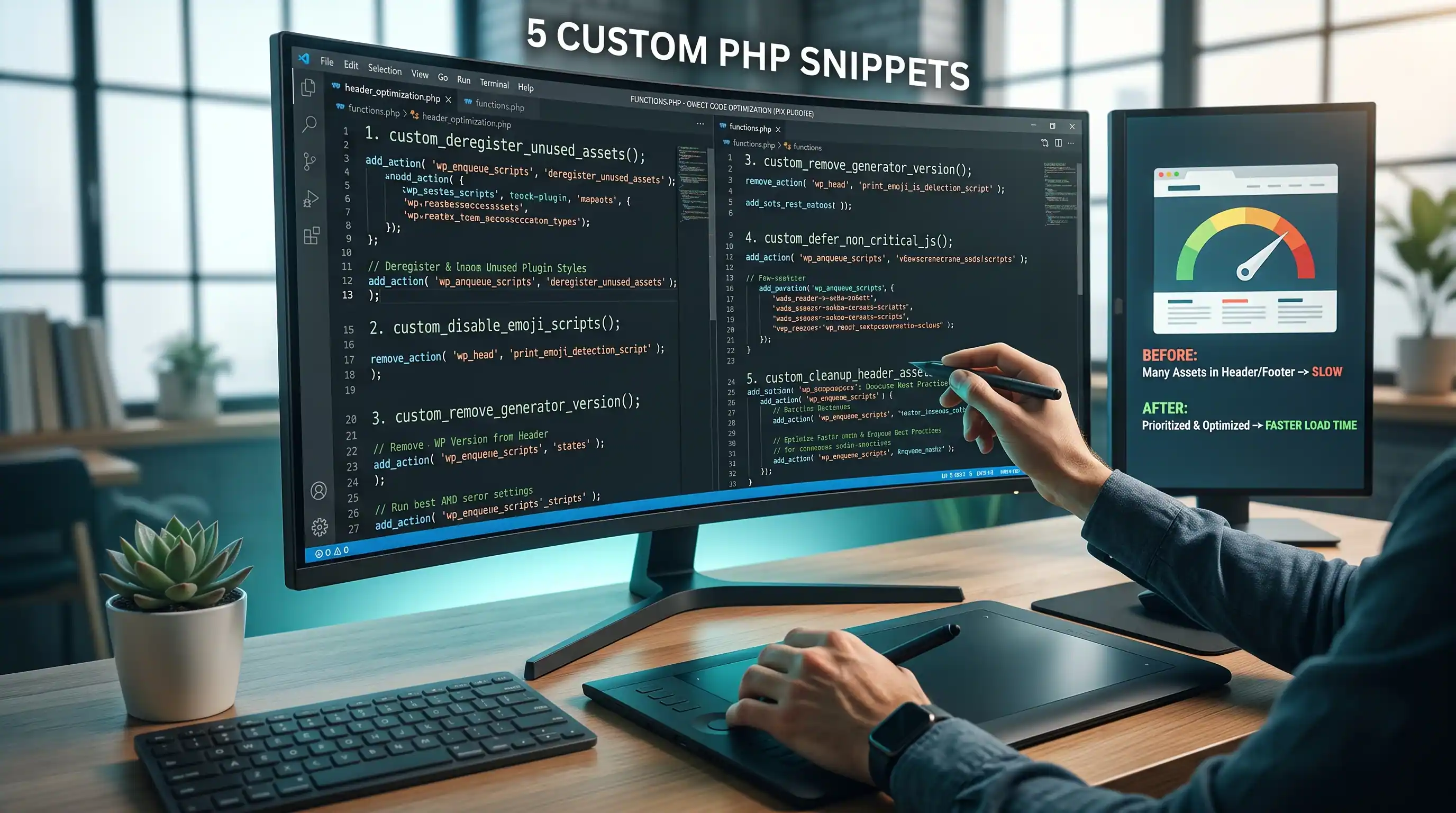
1. Disable Emoji Detection Script and Styles
WordPress loads a ~5KB script (wp-emoji-release.min.js) and an inline stylesheet on every single page load, purely so older browsers that don't natively support emoji can render them as images instead. Almost every browser in active use today renders emoji natively — this script is dead weight for the overwhelming majority of visitors.
Where to insert: functions.php
// Remove the emoji detection script and its inline CSS from the frontend.
remove_action( 'wp_head', 'print_emoji_detection_script', 7 );
remove_action( 'wp_print_styles', 'print_emoji_styles' );

// Also remove them from the admin dashboard and RSS feeds.
remove_action( 'admin_print_scripts', 'print_emoji_detection_script' );
remove_action( 'admin_print_styles', 'print_emoji_styles' );
remove_filter( 'the_content_feed', 'wp_staticize_emoji' );
remove_filter( 'comment_text_rss', 'wp_staticize_emoji' );
remove_filter( 'wp_mail', 'wp_staticize_emoji_for_email' );

// Stop WordPress from adding an emoji-detection DNS prefetch tag.
add_filter( 'wp_resource_hints', function ( $urls, $relation_type ) {
    if ( 'dns-prefetch' === $relation_type ) {
        $urls = array_filter( $urls, function ( $url ) {
            return false === strpos( $url, 'https://s.w.org/images/core/emoji' );
        } );
    }
    return $urls;
}, 10, 2 );
Performance benefit: removes one script request and its parse/execute cost from every page load, plus the resource-hint DNS prefetch to s.w.org that WordPress adds specifically for this feature.
Step-by-step:
- Paste the snippet into
functions.php. - Open any page in an incognito window, open DevTools → Network, filter by "emoji" —
wp-emoji-release.min.jsshould no longer appear in the request list. - Check the page source (Ctrl+U) for
window._wpemojiSettings— this inline script block should be gone too. - Type an actual emoji into a post to confirm it still displays correctly — modern browsers render it natively without WordPress's help, so nothing visually breaks.
2. Remove the WordPress Generator/Version Meta Tag
By default, WordPress prints its exact version number in a <meta name="generator"> tag in <head>, and appends it as a ?ver=X.X query string on every enqueued script and stylesheet. Automated vulnerability scanners use this single tag to instantly know which known exploits might apply to your install.
Where to insert: functions.php
// Remove the WordPress version from <head> and RSS feeds.
remove_action( 'wp_head', 'wp_generator' );
add_filter( 'the_generator', '__return_empty_string' );

// Strip the ?ver=X.X query string from enqueued scripts/styles,
// which also reveals the WordPress version to anyone inspecting them.
add_filter( 'style_loader_src', 'dn_remove_version_query_arg', 9999 );
add_filter( 'script_loader_src', 'dn_remove_version_query_arg', 9999 );
function dn_remove_version_query_arg( $src ) {
    if ( strpos( $src, 'ver=' ) ) {
        $src = remove_query_arg( 'ver', $src );
    }
    return $src;
}
Performance benefit: negligible in raw load time, but it removes a piece of free reconnaissance for anyone scanning your site for version-specific vulnerabilities — a "security through obscurity" measure that costs nothing to add.
Step-by-step:
- Paste the snippet into
functions.php. - View page source and search for
generator— it should no longer appear. - Check any enqueued
<link>or<script>tag'ssrc/hrefattribute — the?ver=query string should be gone.
3. Dequeue Block Library CSS on Pages That Don't Use Blocks
WordPress loads wp-block-library.css — the base styling for every core Gutenberg block — on every single page, even ones built entirely with the Classic Editor or a page builder that never touches Gutenberg blocks. On a site that doesn't use blocks anywhere, this is pure unused CSS shipped to every visitor.
Where to insert: functions.php
add_action( 'wp_enqueue_scripts', 'dn_dequeue_block_library_css', 100 );
function dn_dequeue_block_library_css() {
    // Only dequeue when the current page has no actual block content —
    // this keeps block styling intact on any page/post that DOES use
    // Gutenberg blocks, while removing it everywhere else.
    if ( is_admin() ) {
        return;
    }
    global $post;
    if ( $post instanceof WP_Post && has_blocks( $post->post_content ) ) {
        return;
    }
    wp_dequeue_style( 'wp-block-library' );
    wp_dequeue_style( 'wp-block-library-theme' );
    wp_dequeue_style( 'wc-blocks-style' ); // WooCommerce block styles, if present
}
Performance benefit: removes an unused CSS file (and the render-blocking cost that comes with it) specifically on pages that don't need it, while leaving it fully intact on any page that actually contains blocks — nothing here breaks a normal Gutenberg workflow.
Step-by-step:
- Paste the snippet into
functions.php. - Open a page built without Gutenberg blocks, check DevTools → Network → CSS —
wp-block-library.cssshould no longer load. - Open a page or post that DOES contain real Gutenberg blocks — the stylesheet should still load there, since the
has_blocks()check protects it. - If your site uses Gutenberg blocks on most content, this snippet won't help much — it only pays off on sites where most pages are block-free.
4. Disable RSD and Windows Live Writer Manifest Links
Two <link> tags WordPress adds to every page's <head> exist solely to support external blog-publishing tools — Really Simple Discovery (RSD) and the Windows Live Writer manifest. Windows Live Writer was discontinued by Microsoft years ago, and RSD-compatible clients are effectively extinct outside of legacy setups.
Where to insert: functions.php
// Remove the RSD (Really Simple Discovery) link — used by old
// external blog-editing clients (like Windows Live Writer) that
// almost nobody still uses.
remove_action( 'wp_head', 'rsd_link' );

// Remove the Windows Live Writer manifest link for the same reason.
remove_action( 'wp_head', 'wlwmanifest_link' );
Performance benefit: two fewer lines in every page's <head> — a small but free reduction in initial HTML payload, and one less discoverable clue about your site's publishing stack for automated scanners.
Step-by-step:
- Paste the snippet into
functions.php. - View page source and search for
EditURIandwlwmanifest— neither link tag should appear anymore. - If you (or a client) actually still publish through an RSD-compatible desktop app, skip this snippet — it will break that specific workflow.
5. Remove the Shortlink Tag and Header
WordPress adds a <link rel="shortlink"> tag to every page (a compressed ?p=123-style URL), and separately sends an equivalent value as an HTTP response header on every single request — even though almost nothing on a typical site actually consumes or displays this shortlink.
Where to insert: functions.php
// Remove the <link rel="shortlink"> tag from <head>.
remove_action( 'wp_head', 'wp_shortlink_wp_head' );

// Also remove the corresponding HTTP Link header WordPress sends
// alongside every response — this one doesn't show up in "View
// Source" since it's a response header, not HTML, so DevTools'
// Network tab (not Elements tab) is where you'll see it disappear.
remove_action( 'template_redirect', 'wp_shortlink_header', 11 );
Performance benefit: removes one more line from the HTML <head> and one more HTTP response header from every request — each individually tiny, but it's one more piece of unused output gone from every single page load, every single visitor.
Step-by-step:
- Paste the snippet into
functions.php. - View page source and search for
rel="shortlink"— the tag should be gone from<head>. - To verify the HTTP header removal (this won't show in "View Source" since it's a response header, not HTML), open DevTools → Network tab, click the main document request, and check the Response Headers section for a
Link:header containingrel="shortlink"— it should no longer be present.
Measuring the Combined Effect
None of these five snippets alone will transform your PageSpeed score — each removes something small. Stacked together on a content-heavy site with lots of pages that don't use Gutenberg blocks, though, you're cutting one script, several inline blocks, one stylesheet, and multiple <head> tags and HTTP headers from every single page load, for every single visitor — savings that compound with traffic rather than being a one-time fix.
Prefer these as ready-to-copy cards with a live preview? Check the WordPress PHP Functions & Hooks category in our WordPress Snippet Generator.

Comments & Feature Requests
0 Found a bug, or want a new tool? Let us know below.
comments_no_comments