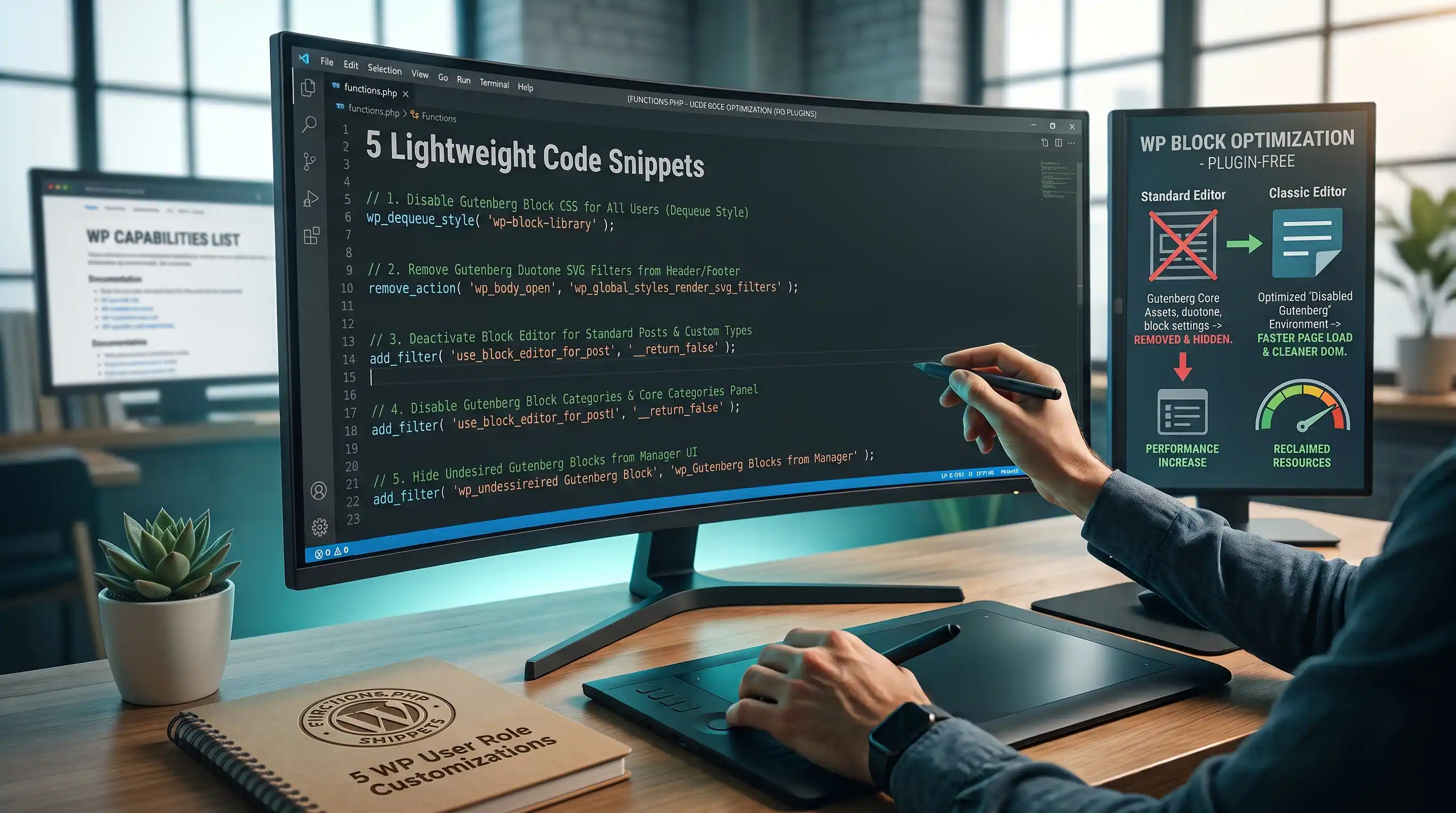
Why Gutenberg Loads Assets You Might Never Use
Since WordPress 5.8, core assumes every site uses the block editor and its blocks on the frontend — so it enqueues block library CSS, global styles, duotone SVG filters, and block directory search scripts on every single page load, regardless of whether you're actually running Gutenberg or a lightweight Classic Editor / page builder setup. None of this is a bug; it's just core being cautious by loading assets for features you might use. If you know you're not using them, each one is safe to strip out.
Add all five snippets to your theme's functions.php, or better, a site-specific plugin so they survive a theme switch. After each change, open your browser's DevTools → Network tab, filter by CSS or JS, hard-refresh the page (Ctrl+Shift+R / Cmd+Shift+R), and confirm the target file is gone from the list.
1. Dequeue Core Block Library CSS
The wp-block-library stylesheet contains default styling for every core block — buttons, columns, galleries, quotes, and so on — around 20-30KB loaded on every single page whether or not that page contains a single block. If you're on Classic Editor or a page builder that doesn't use core blocks, this CSS does nothing but slow down your first paint.
Where to insert: functions.php or your site-specific plugin.
- Paste the snippet below.
- Open DevTools → Network → filter by "CSS", then hard-refresh a frontend page.
- Confirm
wp-block-library.css(and its RTL variant, if applicable) no longer appears in the request list. - Caution: if any page on your site still uses core Gutenberg blocks — like Columns or Buttons — dequeuing this will break their layout on the frontend. Only apply this if you're fully on Classic Editor or a builder that doesn't rely on core block markup.
function dequeue_gutenberg_block_styles() {
    wp_dequeue_style('wp-block-library');
    wp_dequeue_style('wp-block-library-theme');
}
add_action('wp_enqueue_scripts', 'dequeue_gutenberg_block_styles', 100);
2. Disable Global Inline Styles & Duotone SVG Filters
Core also injects a "global styles" inline <style> block into every page (color palette variables, layout defaults) and a hidden block of SVG filters used for the block editor's duotone image effect — both generated even on sites that never touch theme.json or apply a duotone filter to an image.
Where to insert: functions.php or your site-specific plugin.
- Paste the snippet below.
- View source on a frontend page (Ctrl+U / Cmd+Option+U) and search for "global-styles-inline-css" — it should no longer appear.
- Also search the page source for
<svg>near the closing</body>tag — the duotone filter block should be gone.
function remove_global_styles_and_duotone() {
    wp_dequeue_style('global-styles');
    remove_action('wp_body_open', 'wp_global_styles_render_svg_filters');
    remove_action('wp_footer', 'wp_global_styles_render_svg_filters');
}
add_action('wp_enqueue_scripts', 'remove_global_styles_and_duotone', 100);
3. Disable the Block Editor for Specific Post Types
You don't have to choose between Gutenberg everywhere or Classic Editor everywhere — this filter lets you turn off the block editor per post type, which is useful if, say, your Pages are built with a page builder but you still want Gutenberg available for regular blog Posts.
Where to insert: functions.php or your site-specific plugin.
- Paste the snippet below.
- Edit the
$disabled_post_typesarray to list the post type slugs you want on the Classic Editor. - Open one of those post types for editing and confirm you see the Classic Editor's single text area instead of the block interface.
- Open a post type you didn't list and confirm it still opens in the block editor as normal.
function disable_gutenberg_for_post_types($use_block_editor, $post_type) {
    $disabled_post_types = array('page', 'product'); // adjust to your own post type slugs
    if (in_array($post_type, $disabled_post_types, true)) {
        return false;
    }
    return $use_block_editor;
}
add_filter('use_block_editor_for_post_type', 'disable_gutenberg_for_post_types', 10, 2);
4. Disable Classic Theme Styles
WordPress 6.1 introduced a separate stylesheet — classic-theme-styles.css — specifically so that classic (non-block) themes render core blocks with reasonably sane default spacing if a block ever gets used. If your site never renders core blocks on the frontend at all, this is one more file request with nothing to do.
Where to insert: functions.php or your site-specific plugin.
- Paste the snippet below.
- Open DevTools → Network → CSS, hard-refresh, and confirm
classic-theme-styles.cssno longer loads.
function disable_classic_theme_styles() {
    wp_dequeue_style('classic-theme-styles');
}
add_action('wp_enqueue_scripts', 'disable_classic_theme_styles', 100);
5. Turn Off Block Directory Search
Inside the block inserter, Gutenberg includes a "Search" tab that queries the official WordPress.org block directory in real time, loading extra JS specifically to power that outbound search feature. If you're not using Gutenberg as your primary editor — or you just don't want editors installing random third-party blocks mid-edit — this is safe to switch off.
Where to insert: functions.php or your site-specific plugin.
- Paste the snippet below.
- Open the block editor on any post, click the block inserter (the "+" icon), and confirm the block directory search results / "Install blocks from the directory" prompt no longer appears.
- In DevTools → Network → JS, confirm
wp-block-directory.jsis no longer requested when the editor loads.
function disable_block_directory_assets() {
    remove_action('enqueue_block_editor_assets', 'wp_enqueue_editor_block_directory_assets');
}
add_action('init', 'disable_block_directory_assets');
Final Checklist
- wp-block-library.css confirmed gone from the Network tab — verified no core blocks on the frontend depend on it first.
- global-styles-inline-css and the duotone SVG filter block confirmed removed from page source.
- Block editor disabled for the correct post types only, verified per post type.
- classic-theme-styles.css confirmed gone from the Network tab.
- Block directory search confirmed removed from the block inserter panel.
Every one of these snippets removes an asset core loads defensively, not one it strictly requires — which is exactly why they're each one line of dequeue or remove_action, not a rewrite of how the editor works. Apply them one at a time and re-check the Network tab after each, so if a layout breaks somewhere, you know precisely which snippet to roll back.
Comments & Feature Requests
0 Found a bug, or want a new tool? Let us know below.
comments_no_comments